Mastering Arnold AOVs in Houdini for Enhanced Post-Production Workflows
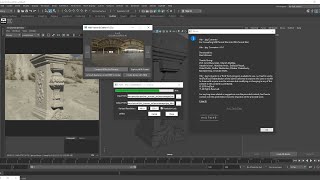
Understand the exact studio workflow for managing Arnold Arbitrary Output Variables (AOVs) in Houdini 20.5+ with Arnold Renderer 7.4+. This video is Part 1 of a series designed to help you set up, optimize, and debug render passes efficiently for compositing and lighting.
Key Features:
1. Delete/ Toggle AOVs on a selected Arnold ROP.
2. Remove Unused AOVS from all the selected Arnold ROPs
Tools Used:
1. SideFX Houdini 20.5+
2. Arnold Renderer 7.4+
👉 Like the tool? Leave a comment and let us know how you use Manage your AOVs in your workflow!
🔔 Subscribe for more scripting tools, pipeline utilities, and lookdev workflows! #Maya #ArnoldRenderer #AOV #PySide2 #LookDev #PipelineTools #Houdini Kindly try the tool and share the feedback with me.
Link : DOWNLOAD
Suggestions are welcome.
LinkedIn : linkedin.com/in/ravi-motwani-94778a10b




Comments